 Ilyas Hallak
614042c3bd
Ilyas Hallak
614042c3bd
CSS Changes:
- Removed all overflow/max-width/word-break rules from body/html
- Simplified to match WebView.swift CSS structure exactly
- Only img keeps max-width: 100%
- Removed box-sizing and universal max-width rules

JavaScript Height Detection:
- Simplified from Math.max() with multiple properties to simple document.body.scrollHeight
- This matches how the standard WebView gets height
- Should resolve 'No valid JavaScript height found' errors

The width overflow was caused by aggressive CSS rules that interfered
with native layout. The height detection issue was likely due to complex
JavaScript expressions not working with webPage.callJavaScript().
Readeck iOS App

A native iOS client for readeck bookmark management.
The official repository is on Codeberg: https://codeberg.org/readeck/readeck
Download
App Store (Stable Releases)

TestFlight Beta Access (Early Releases)
Join the Readeck Beta on TestFlight
For early access to new features and beta versions (use with caution). To participate, simply install TestFlight from the App Store and open the link above on your iPhone, iPad, or Mac. This early version lets you explore all core features before the official release. Your feedback is incredibly valuable and will help shape the final app.
What to test:
- See the feature list below for an overview of what you can try out.
- For details and recent changes, please refer to the release notes in TestFlight or the Changelog.
Please report any bugs, crashes, or suggestions directly through TestFlight, or email me at ilhallak@gmail.com. Thank you for helping make Readeck better!
If you are interested in joining the internal beta, please contact me directly at mooonki:matrix.org.
Screenshots
iPhone
iPad
Core Features
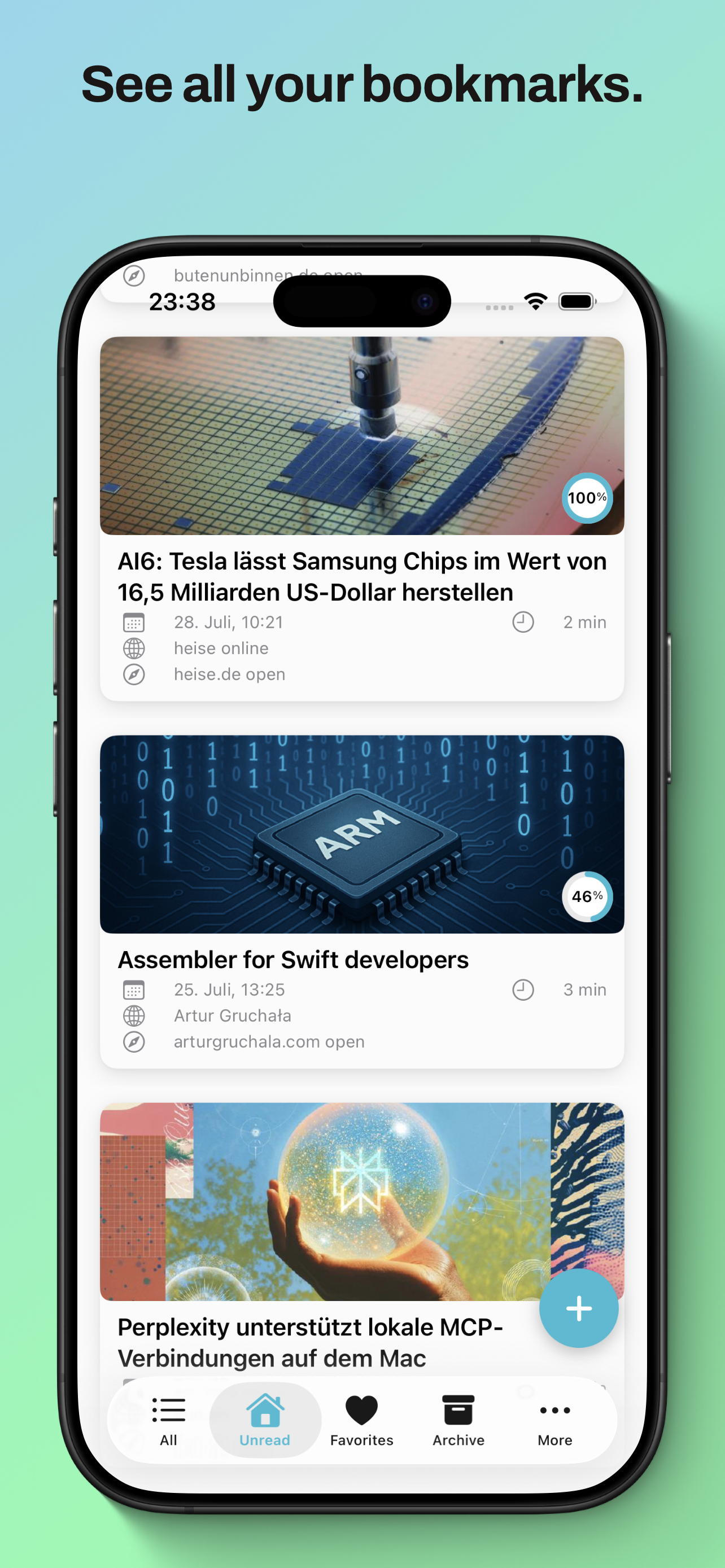
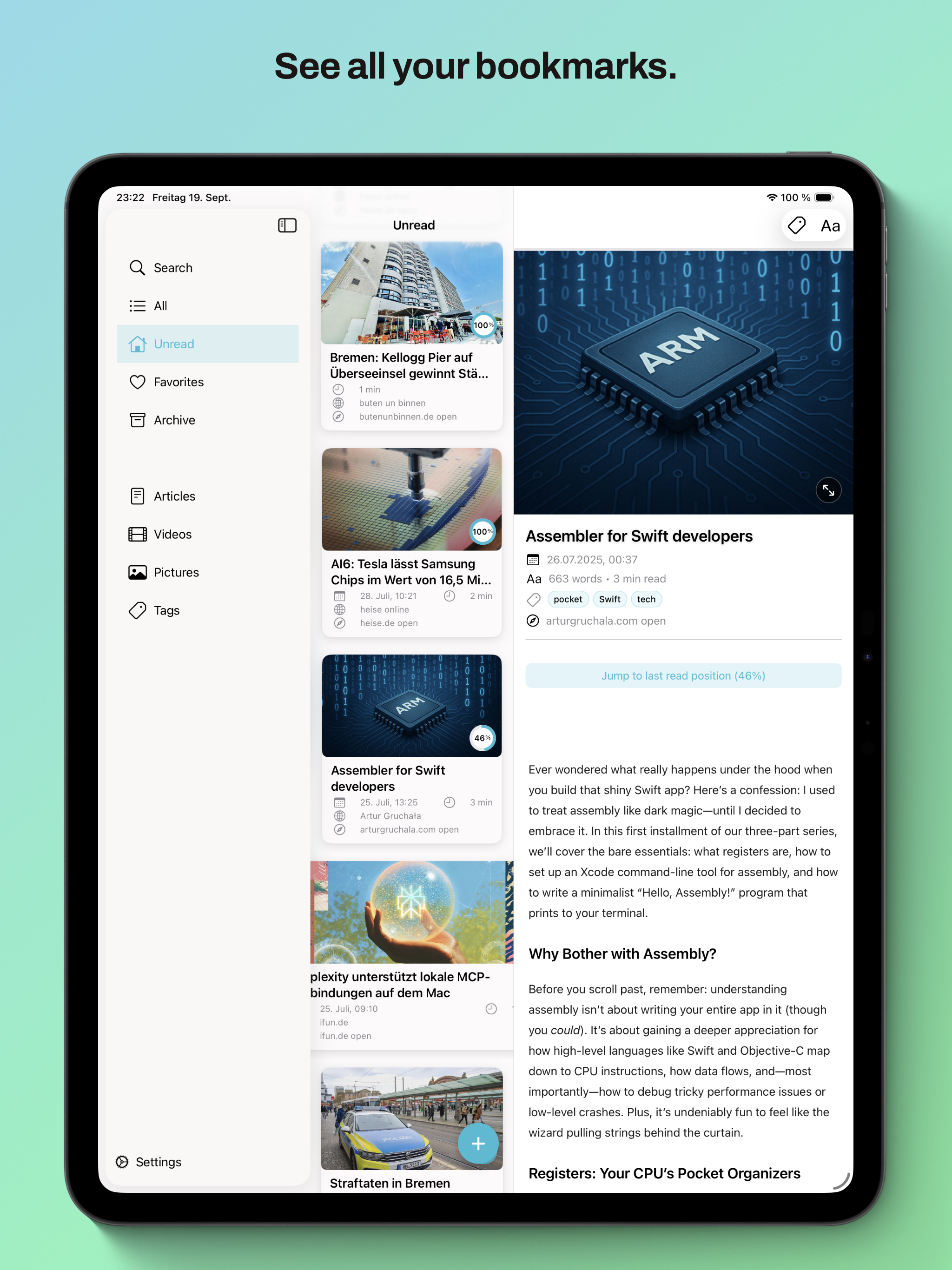
- Browse and manage bookmarks (All, Unread, Favorites, Archive, Article, Videos, Pictures)
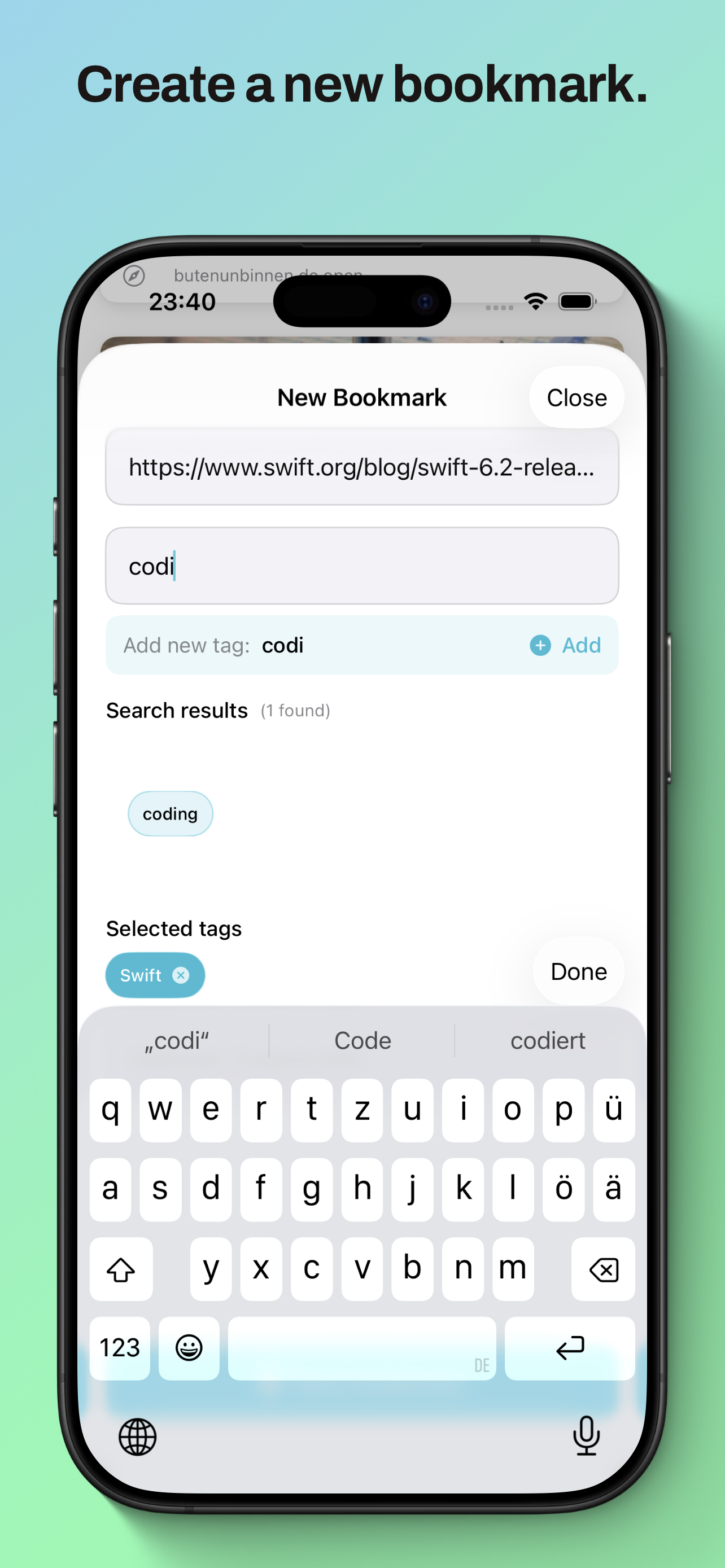
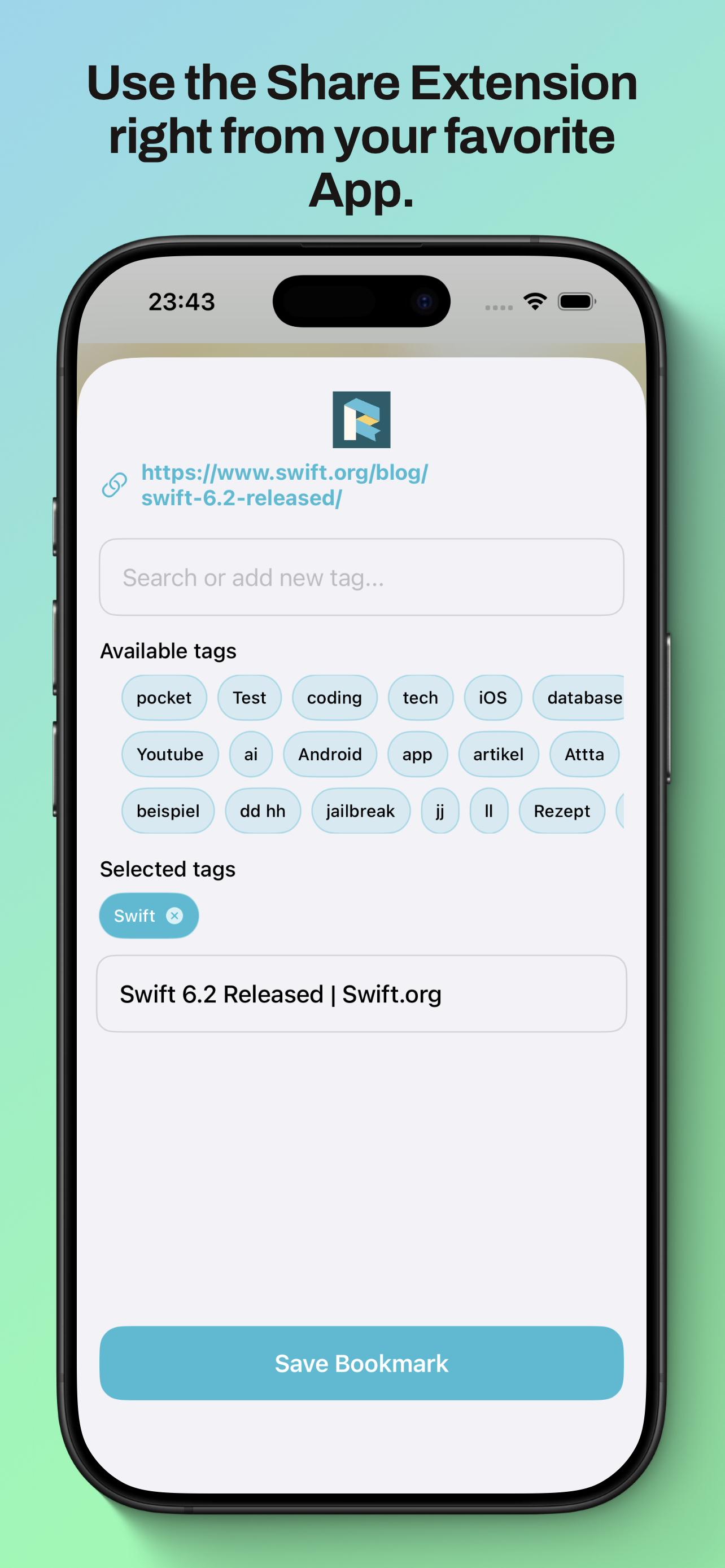
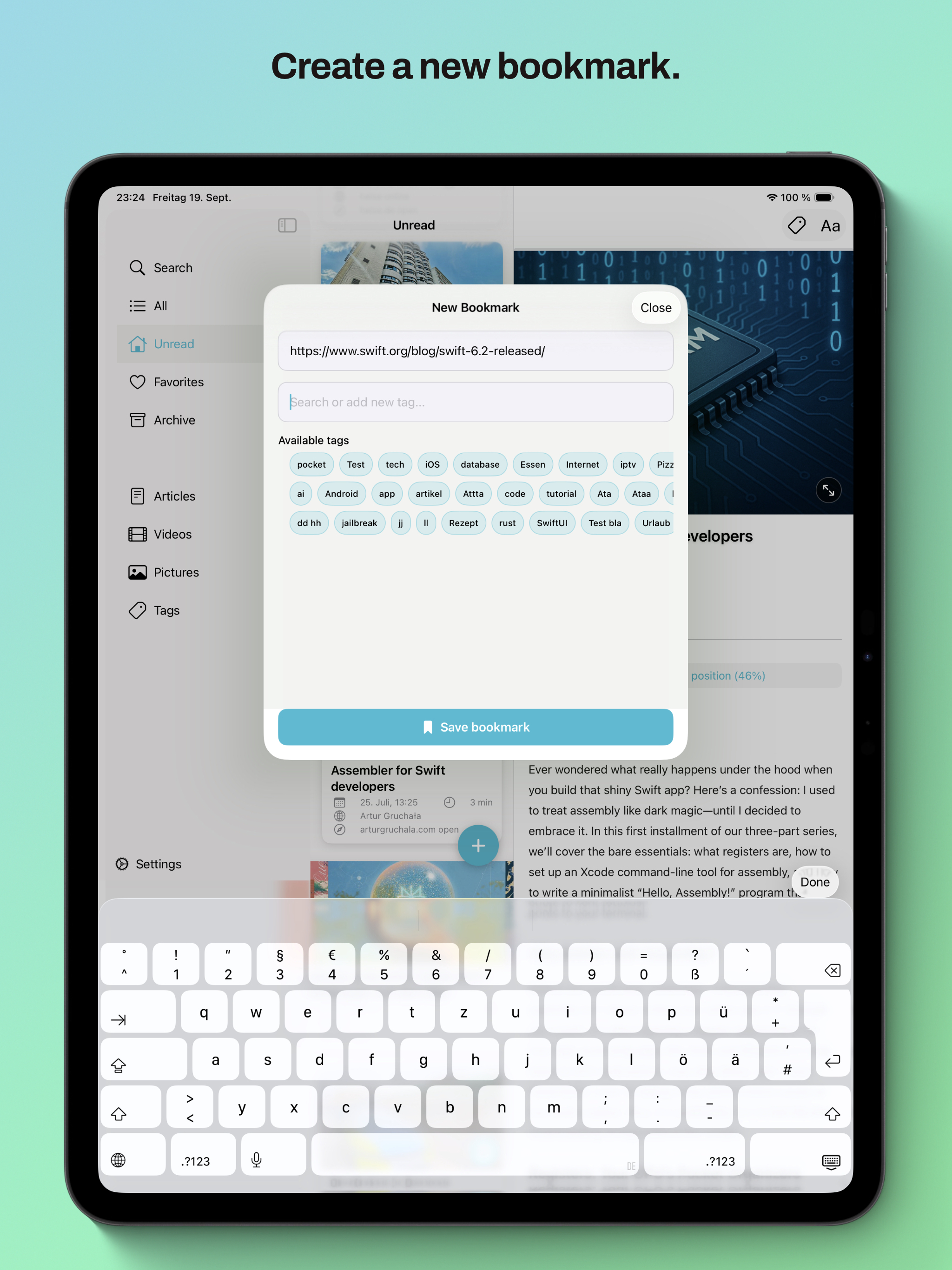
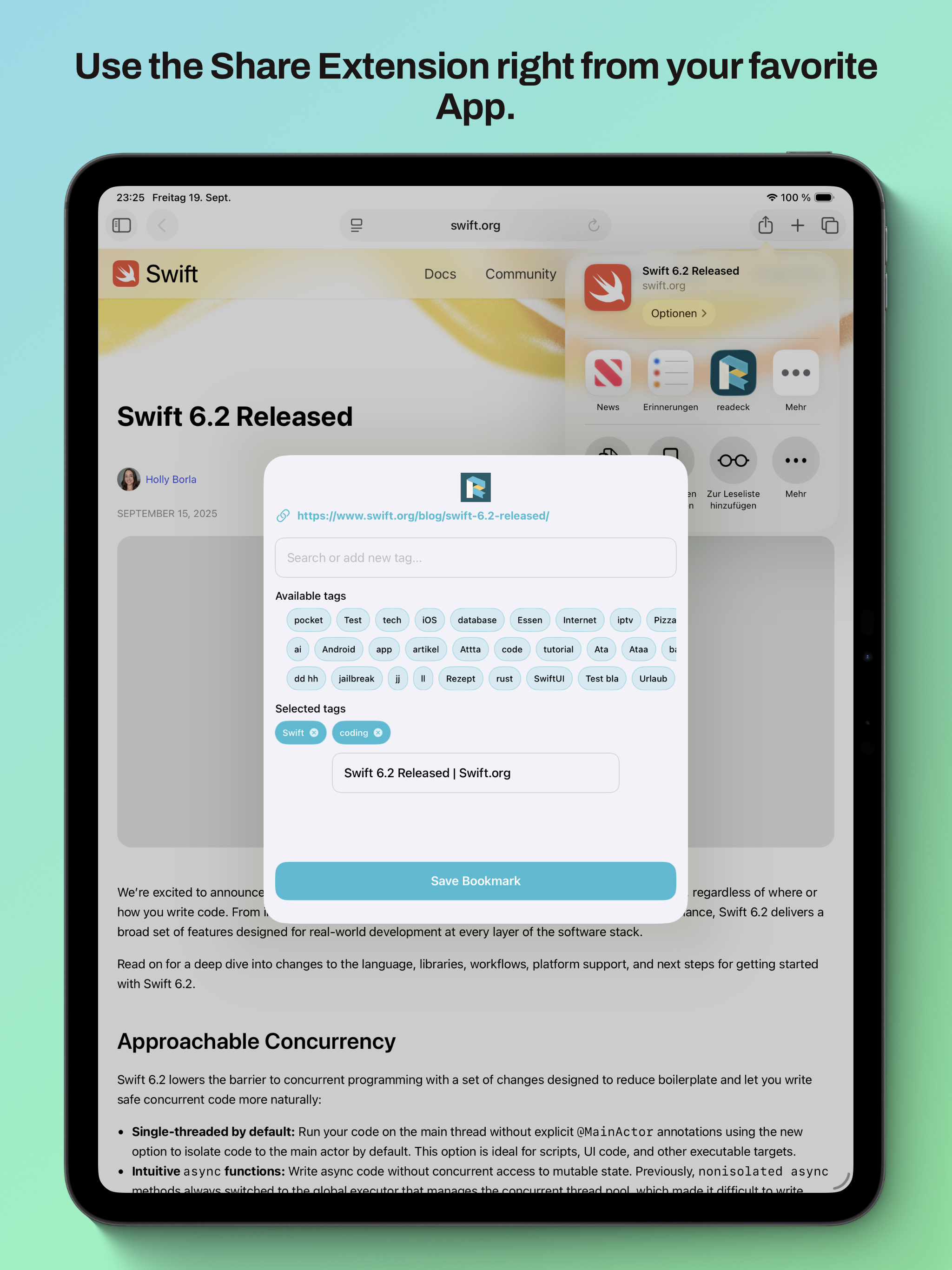
- Share Extension for adding URLs from Safari and other apps
- Swipe actions for quick bookmark management
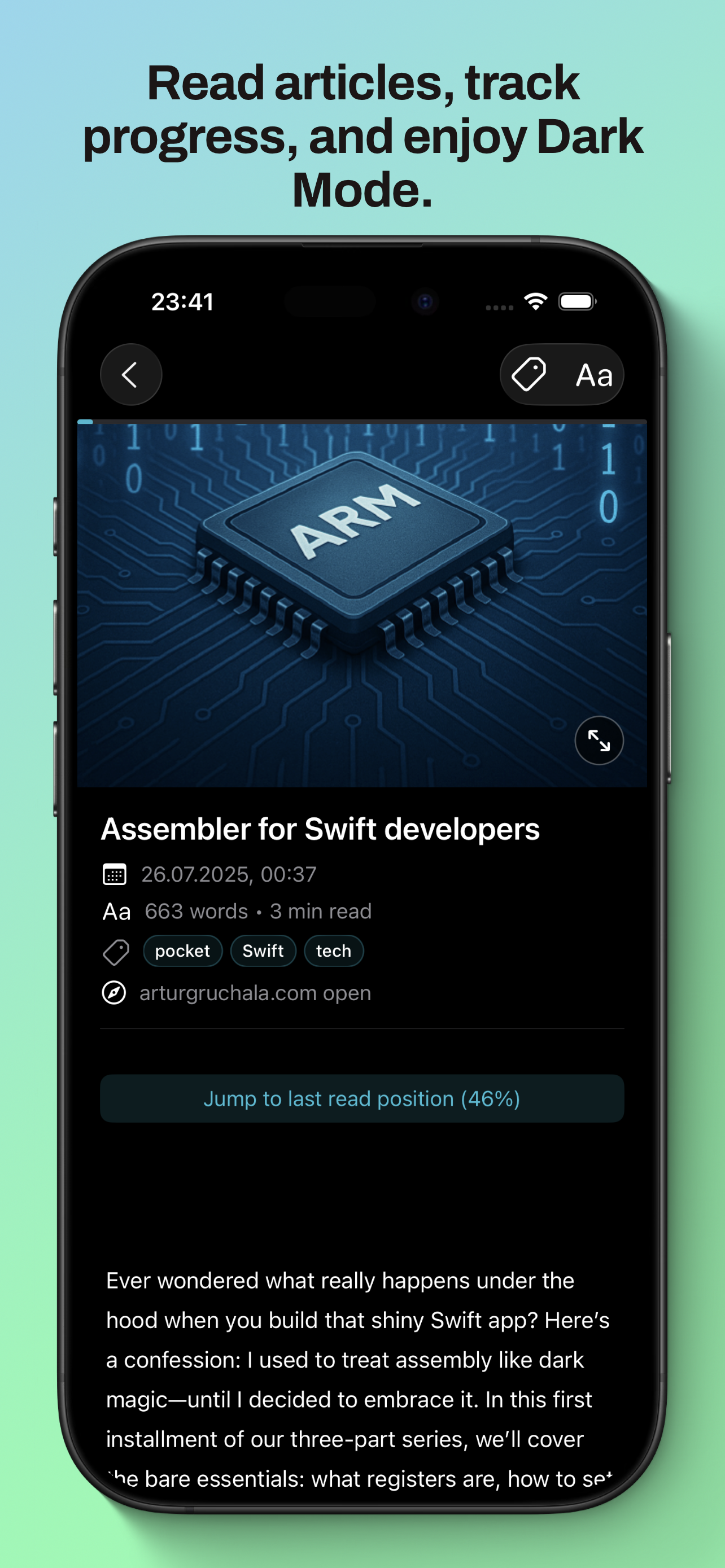
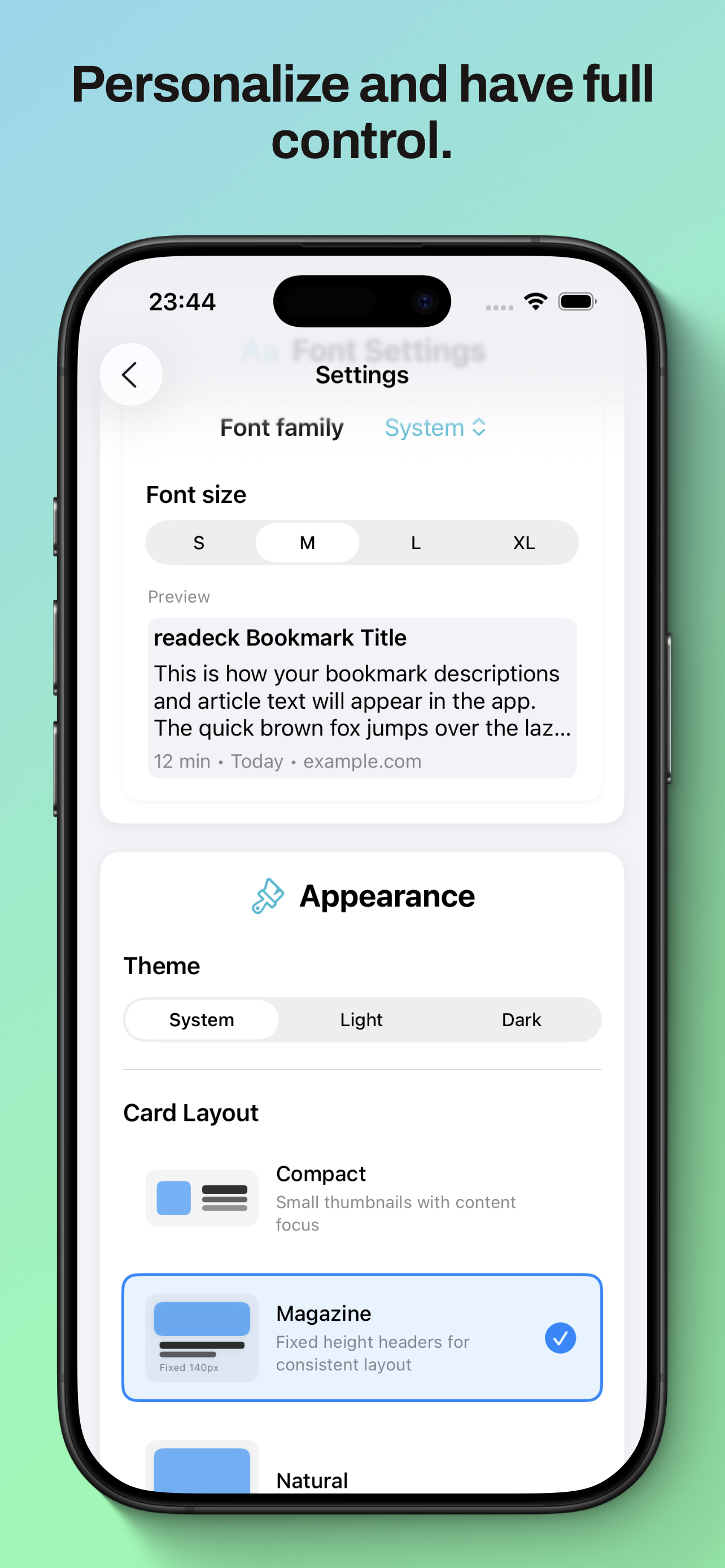
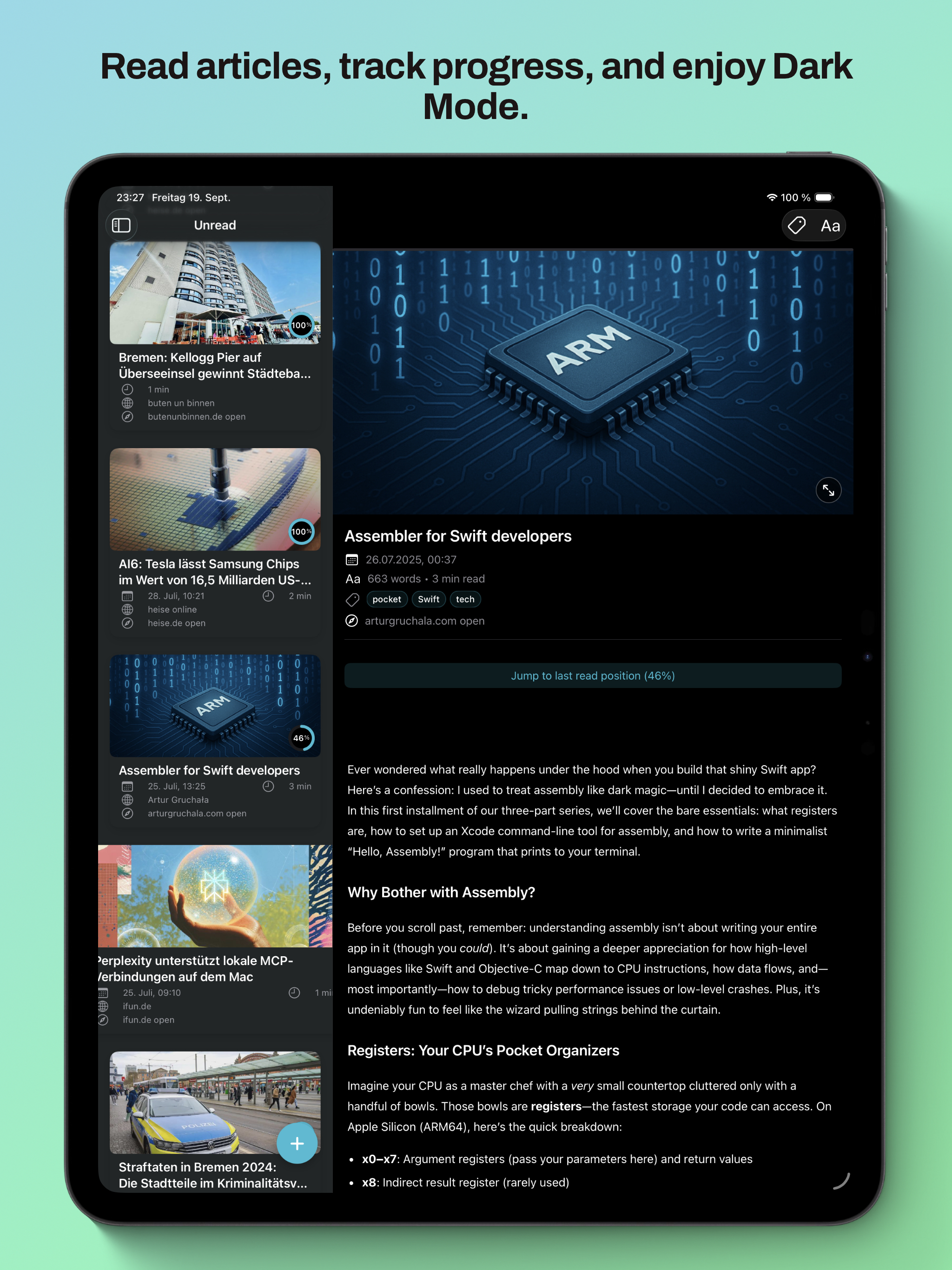
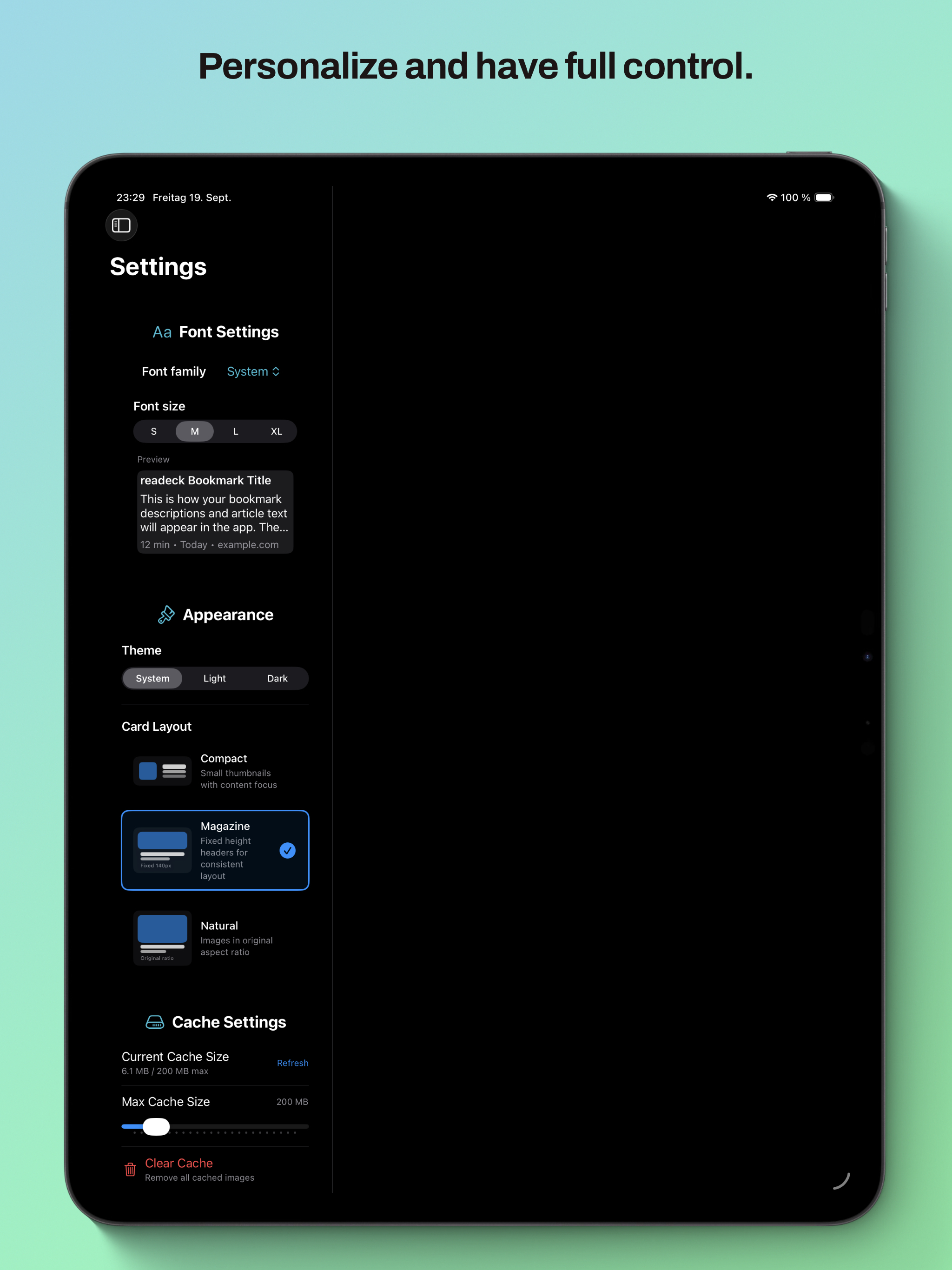
- Native iOS design with Dark Mode support
- Full iPad Support with Multi-Column Split View
- Font Customization
- Article View with Reading Time and Word Count
- Search functionality
- Support for reading progress
- Save bookmarks when server is unavailable and sync when reconnected
Configuration
After installing the app:
- Open the readeck app
- Enter your readeck server URL and credentials
- The app will automatically load your bookmarks
Notice: Local Network Addresses are supported. If you use external Domains, you need to add a HTTPS Certificate to your readeck server. Apple does not allow to use HTTP on iOS for external domains in release versions. If you want to use HTTP, you are free to use the beta version of the app, where the HTTP is supported.
Share Extension
The app includes a Share Extension that allows adding bookmarks directly from Safari:
- Share any webpage in Safari
- Select "readeck" from the share sheet
- Enter a title if you want and hit save
- The bookmark is automatically added to your collection
Versions
Contributing
- Fork the repository
- Create a feature branch (
git checkout -b feature/amazing-feature) - Commit your changes (
git commit -m 'Add amazing feature') - Push to the branch (
git push origin feature/amazing-feature) - Open a Pull Request